
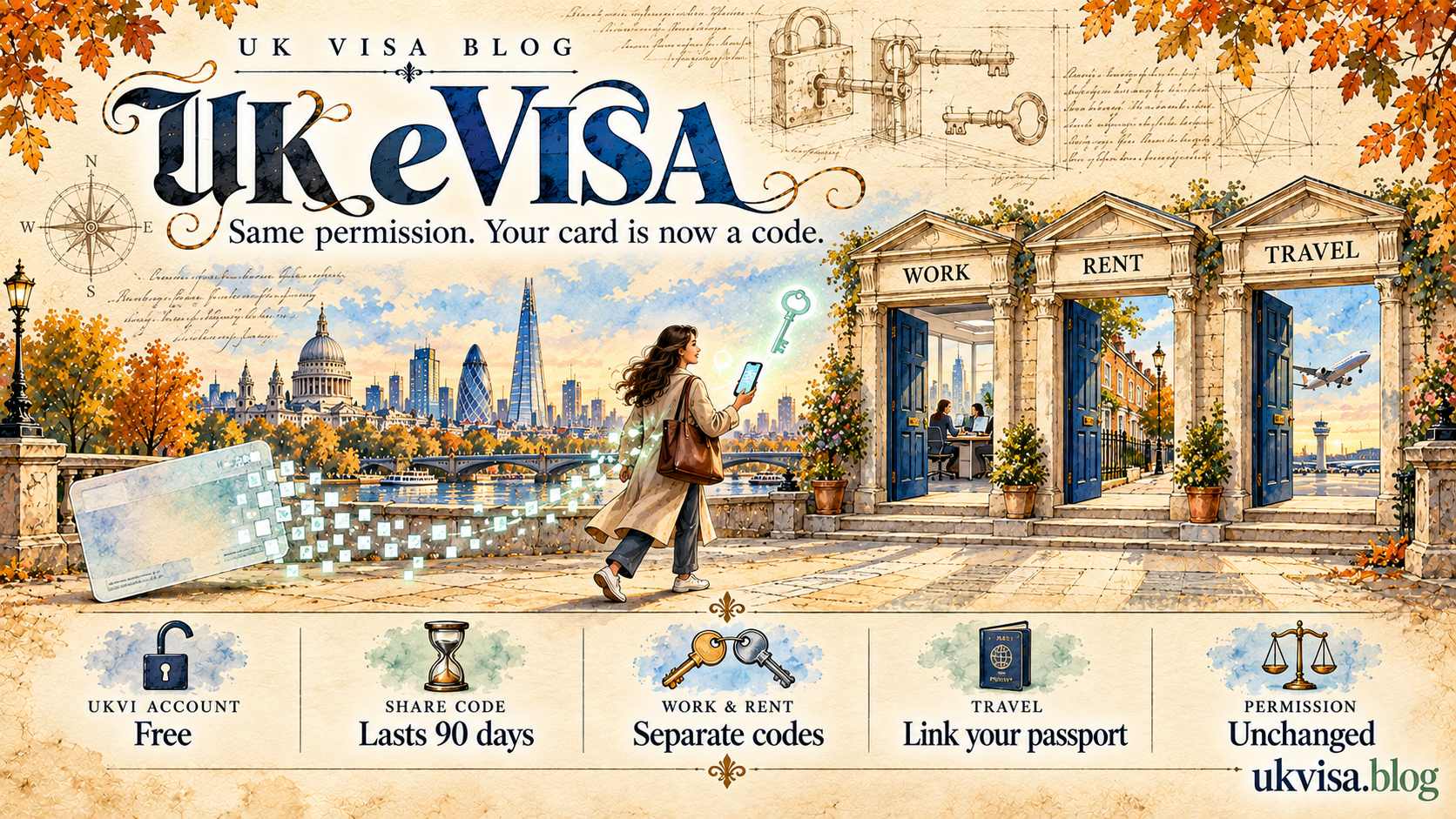
An eVisa is an online record of the immigration status you already hold, reached through a UKVI account. It replaced the biometric residence permit and other physical documents. Your permission did not change when the card stopped being issued — only the way you prove it did, through a share code.
Digital Status
The UK eVisa, UKVI Accounts and Share Codes in 2026
What an eVisa Actually Is
An eVisa is not a new visa. It is the digital record of the permission you were already granted — the route, the conditions and the expiry date — held in your UKVI account. Nothing about your leave changes when you move to it. What changes is that you prove your status by generating a code rather than by handing over a card.
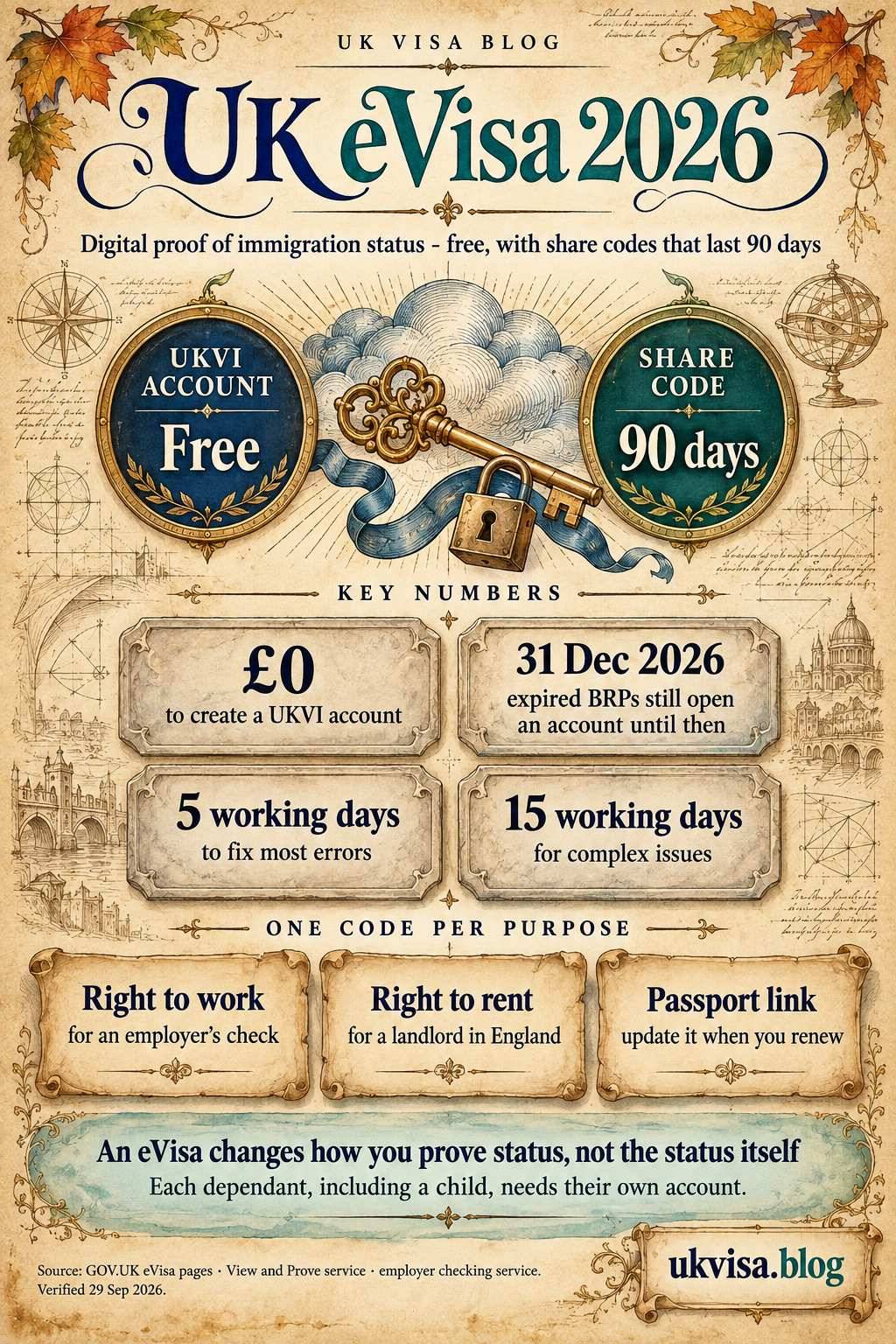
Create a UKVI account at GOV.UK using a phone number, an email address and one identity document — a valid passport with your visa application number or BRP number, or an expired BRP card. There is no fee. You then prove your status through the View and Prove service, which issues a share code valid for 90 days.
What It Replaced
- Biometric residence permits: the card most people held alongside their passport.
- Biometric residence cards: issued to family members of EEA nationals.
- Passport endorsements: ink stamps recording indefinite leave.
- Vignette stickers: beyond the initial entry vignette used to travel.
Your BRP and What It Is Still Good For
This is where most confusion sits. An expired BRP has not become waste paper. GOV.UK confirms it can be used for 24 months after the expiry date printed on the card, or until 31 December 2026, whichever comes first — principally as the identity document that lets you create your UKVI account.
Do not throw an expired BRP away. It is one of the accepted routes into a UKVI account, and for anyone whose passport has since expired it may be the easiest one. The 24-month window and the 31 December 2026 backstop mean that route closes, so create the account well before then.
The expiry printed on a BRP was the card’s expiry, not your permission’s. Someone with indefinite leave to remain holds it indefinitely, whatever date appeared on the plastic. The eVisa displays the status itself, which is why the two dates so often differ.
What Changed and What Did Not
| Aspect | Before | Now |
|---|---|---|
| Your permission | Granted by the Home Office | Unchanged |
| Proof of status | A card in your wallet | A share code from your account |
| Right to work check | Card shown to the employer | Code plus date of birth, checked online |
| Right to rent check | Card shown to the landlord | A separate code for that purpose |
| Travel | Card carried with the passport | Status linked to the passport in your account |
| Renewing a passport | No action needed | Update the document in your account |
Source: GOV.UK eVisa and view and prove guidance, checked 22 August 2026.
Creating a UKVI Account
Start at the GOV UK page on getting access to your eVisa. The account is free, and each person needs their own — a dependant joining you as a family member cannot share yours.
What You Need to Hand
- A phone number and an email address: both are used to sign in later, so use ones you will keep.
- A valid passport with your visa application number: the GWF or UAN from your application.
- Or a valid passport with your BRP number: if you have the card.
- Or an expired BRP card: which works on its own.
Where you have neither a valid passport nor an expired BRP, GOV.UK confirms identity can be confirmed another way. That path is slower, so start it early rather than at the point you need to prove something to an employer or a landlord.
Guard the contact details you register. Losing access to the phone number or email address you sign in with is the single most common reason people are locked out, and recovering an account takes longer than creating one. Update them through your account whenever they change.
How View and Prove Works
Your eVisa shows your identity and your immigration status, including the rights that come with it — to work, to rent, to claim benefits where the status allows. You do not show the eVisa itself to anyone. You generate a share code through the GOV UK view and prove service and give that code out instead.
Signing In
You sign in with an identity document — a passport, a national identity card, a biometric residence card, an expired BRP, or your UKVI customer number — plus access to the phone number or email address registered on the account. A security code is sent to that contact point each time, which is why keeping it current matters.
Where to Sign In
The sign-in page is the View and Prove service on GOV.UK, and gov.uk/evisa links every eVisa service in one place. There is no separate app for day-to-day access — the UK Immigration: ID Check app is used once, to verify your identity, not to view your status afterwards.
Share Codes
A share code lasts for 90 days and can be used as many times as you need within that window. The person checking it also needs your date of birth — the code alone will not open your record, which limits the damage if it is seen by someone it was not meant for.
One Code Per Purpose
- Right to work: for an employer, who checks it through the GOV UK employer checking service along with your date of birth.
- Right to rent: for a landlord or letting agent in England.
- Proving your status generally: for other purposes, such as a bank or a public body.
The services are separate and codes are not interchangeable. An employer’s check will reject a code generated for renting, and vice versa. Generate the code for the purpose you are being asked about, and generate a fresh one rather than reusing an old code near the end of its 90 days.
An employer checking a right to work code sees the types of work you are allowed to do, how long you may work, and whether a time limit applies. They do not see the rest of your immigration history, and they do not need to see your passport as well where the digital check is used.
Travelling With an eVisa
Travel with the passport or travel document that is linked to your UKVI account. Carriers and Border Force check your status against that document electronically, so the link must be current. Update the passport details in your account as soon as you renew, and before you book.
- Check the linked document: the passport in your account must be the one you travel on.
- Update a renewed passport: through your UKVI account, not at the airport.
- Generate a share code: useful as a fallback if a check fails at the desk.
- Keep an expired BRP with you: it may still help while the transitional window runs.
- Carry proof on paper or screenshot: not a substitute, but it saves an argument.
Visitors from countries that do not need a visa are a separate case entirely and travel on an Electronic Travel Authorisation, not an eVisa. An ETA is a permission to travel; an eVisa is a record of permission already held.
Who Needs a UKVI Account
Anyone holding a UK visa, or settlement in the form of indefinite leave to remain, needs one. Dependants who joined you as family members need their own accounts in their own names, including children.
- Anyone on a work or study route: including students and their dependants.
- Partners and family members: including those on the spouse route.
- Holders of indefinite leave: see our page on settlement.
- EU Settlement Scheme status holders: already digital — see our page on EU citizens’ rights.
- Not visitors: a standard visit does not require an account.
Where the eVisa Fits With Everything Else
The account is the front door to your immigration record, not a substitute for the applications behind it. Extending or switching still means a fresh application on the relevant route, and settlement still means meeting that route’s requirements — see our pages on indefinite leave to remain, the citizenship test and English language requirements.
What the account does change is evidence. Because status is verified against a live record rather than a card, an application that relies on your current permission no longer needs a photocopied document to prove it. Our supporting documents guide and our page on Home Office fees cover what a fresh application still needs.
When Something Goes Wrong
Errors are reported free through the Home Office eVisa error service. UKVI aims to fix most issues within 5 working days, and says a complex issue can take up to 15 working days. Report early rather than close to a travel date or a job start date.
What Can Be Reported
- Wrong details: an incorrect date of birth or the wrong immigration status showing.
- No share code: you can see the eVisa but cannot generate one.
- Technical failure: signed in, but the eVisa will not display.
- Never able to sign in: where the Home Office created the account for you.
You will need contact details, your full name, date of birth and nationality, and one identifier: a passport number, an expired BRP number, a GWF or UAN, or your UKVI customer number. Report it through the GOV UK error reporting page.
Locked Out of the Account
A separate account recovery service handles the case where you cannot sign in at all — usually because the registered phone number or email address is no longer yours. Recovery is not instant, so treat a changed number as something to fix immediately rather than when you next need a share code.
One practical point for anyone due to travel or start work. Keep evidence of what you hold — the grant letter or decision notice from your application, and the expired BRP — while any issue is outstanding. It does not replace the digital check, but it helps an employer or a carrier understand the position while UKVI works through the report.
Sources: the GOV UK eVisa access pages, the view and prove service, the employer checking service and the eVisa error reporting guidance. Figures verified 22 August 2026.
Frequently Asked
eVisa Questions
Does an eVisa change my immigration status?
No. It is a digital record of the permission you already hold. The route, conditions and expiry are unchanged; only the way you prove them is different.
How long does a share code last?
90 days. You can use it as many times as you need within that period, and generate a new one whenever you want.
Can I still use my expired BRP?
For 24 months after the expiry date printed on the card, or until 31 December 2026, whichever comes first. Its main use now is proving your identity to create a UKVI account.
Does it cost anything to create a UKVI account?
No. Creating the account and accessing your eVisa are free. Be wary of any site charging for it.
What does an employer see when they check my code?
The types of work you are allowed to do, how long you can work, and whether a time limit applies. They also need your date of birth to run the check.
Can I use one share code for work and for renting?
No. The right to work and right to rent services are separate. Generate the code for the purpose you are being asked about.
What if I get a new passport?
Update the passport details in your UKVI account before you travel. Carriers and Border Force check your status against the document linked to the account.
My eVisa shows the wrong details. What do I do?
Report it through the Home Office eVisa error service. UKVI aims to fix most issues within 5 working days, and up to 15 working days for complex cases.
Do my children need their own accounts?
Yes. Dependants joining as family members need their own UKVI accounts. A parent can set one up on a child’s behalf.
Do visitors need an eVisa?
No. Visitors either hold a visit visa or travel on an Electronic Travel Authorisation. A UKVI account is for people holding permission to stay in the UK.